BACK
7 Figma Super Tricks

For so many independent designers, it is a daily struggle to prove their worthiness and ability to perform as good as any full design team. So I am always advocating for the lone-wolves and sharing how this is possible. We really can do this. With the right skills. And recently Figma has been my design sidekick:
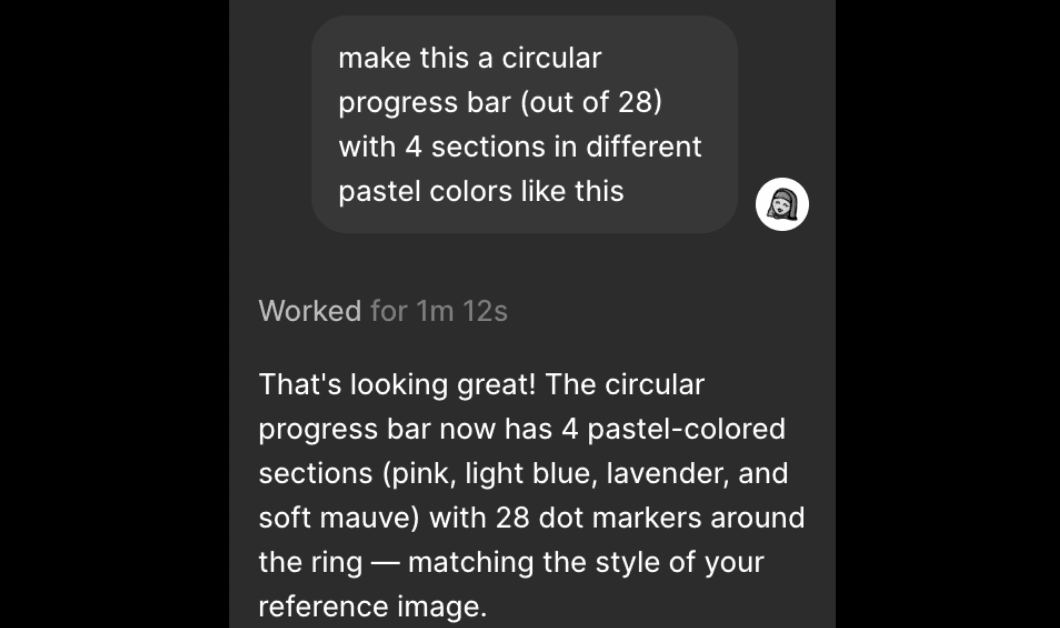
Make shapes & charts
The agent literally took it less than 2 minutes and one try to get it right.
There is no need to dig through hundreds of marketplace plugins or even spend time on manually making vectors or charts you need in the Ul.
UX copy varitions
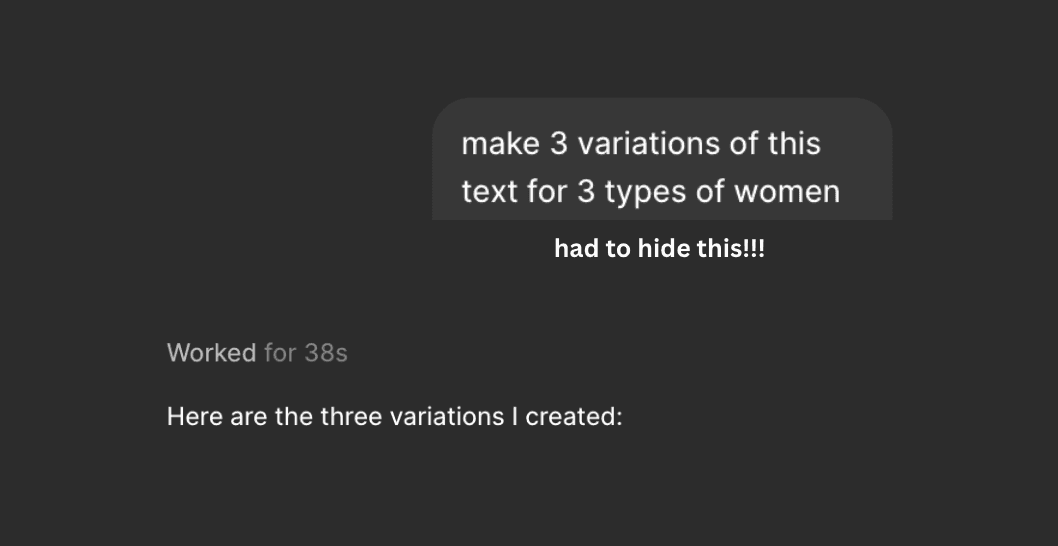
Having no UX writer or a dedicated content person can be tough in a product where a single screen has 60+ variations based on user type and status.
Have it write a first draft, then fix. Fix, ok?
But still what it did come up with was really, and I mean really good.
On-brand icons
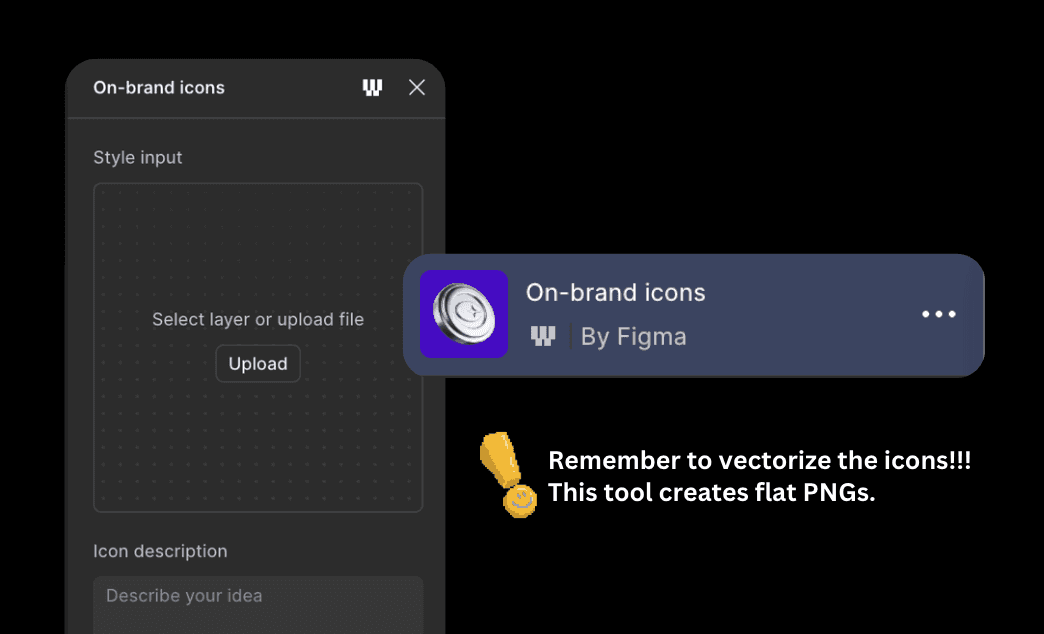
No need to find or buy an entire iconset that covers all you need. Just provide a reference and it can generate whatever icon you need.
Saved my life in this project. I needed 50+ icons for very specific medical symptoms and system messages in a certain style. It whipped them up like nobody’s business.
Batch create styles & tokens
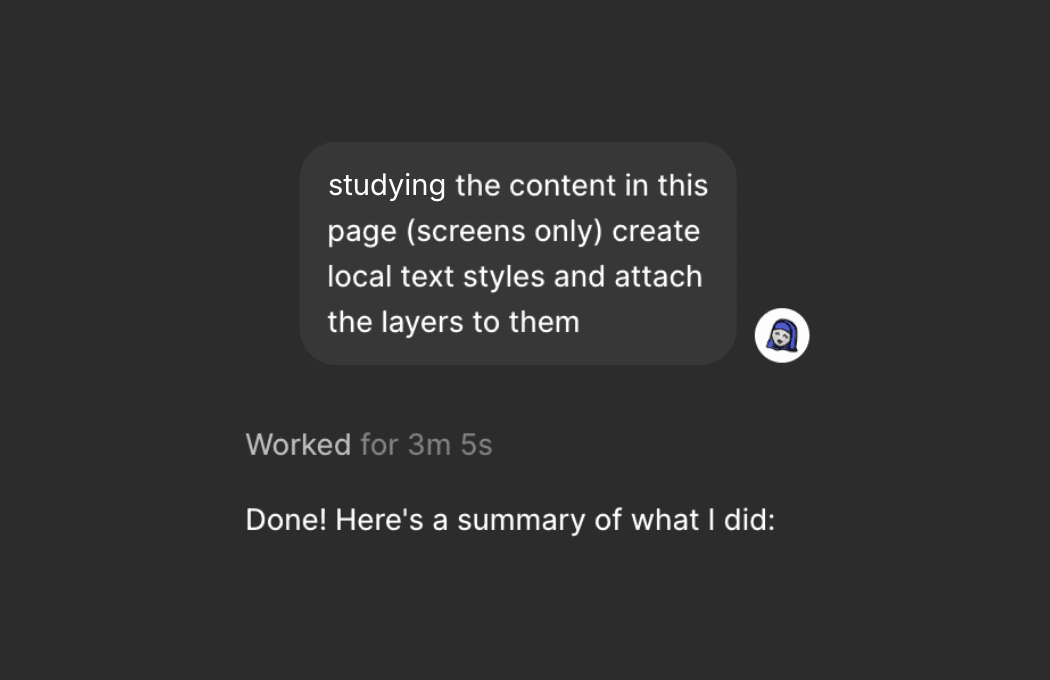
When you’re building your design system. Such a game changer. And it’s right inside Figma. Best part?
You don’t end up with 100 unused styles or tokens. Only create what’s there.
Find any last hard-coded styles
Sometimes we design something quickly and forget to check whether it is attached to a style/token and remember when we prep for dev. Best part?
you can talk to it, you don’t have to accept the result like yu would with a plugin.

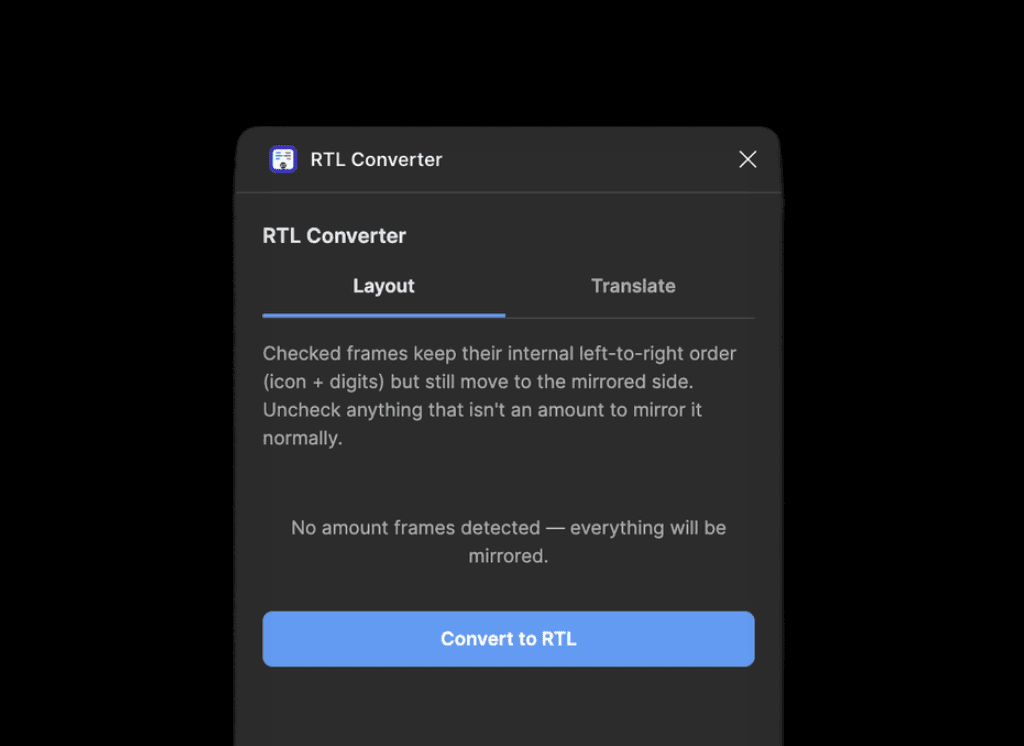
My RTL converter
Shamelessly talking about my own plugin, because it did save me hours of work to change layout and translate to Arabic!
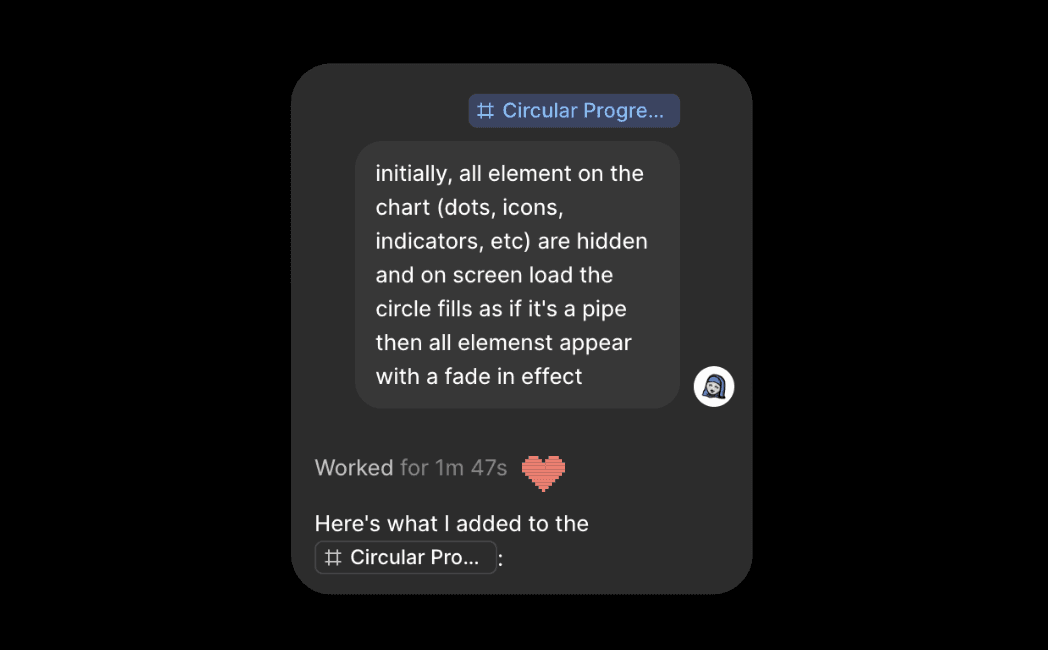
Animate with words
I still can’t figure out the motion UI. But the agent is truly great, it creates a microinteraction if not perfect on first try, then definitely close to. I love this one!
Honorable mentions
Shorten: Shorten command for rewriting long text layers.
Make image: I never generate any images outside figma anymore.
Shader fills and effects: the colorful sprinkle I always missed in any UI design tool.
Remove BG + Vectorize: transform any PNG to a nice sharp vector.
——
We may be fighting for our lives here, independent & full-time designers alike, but let's not give up on design yet!
'Till next time, lots of love and #keepdesigning!
More